Watch a video demo that shows you how to create a template for MailJack Automate.
You must have a MailJack+ job template to use MailJack Automate. Templates are created in the MailJack+ UI.
To initiate template creation from MailJack Automate, click “Menu” and then select “Create Template”.
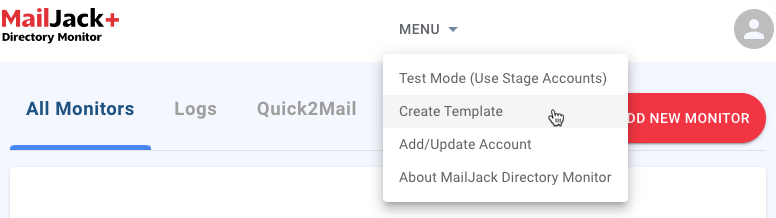
Steps for creating a template can be found in this Knowledge Base article.
Carly Brown
Comments